

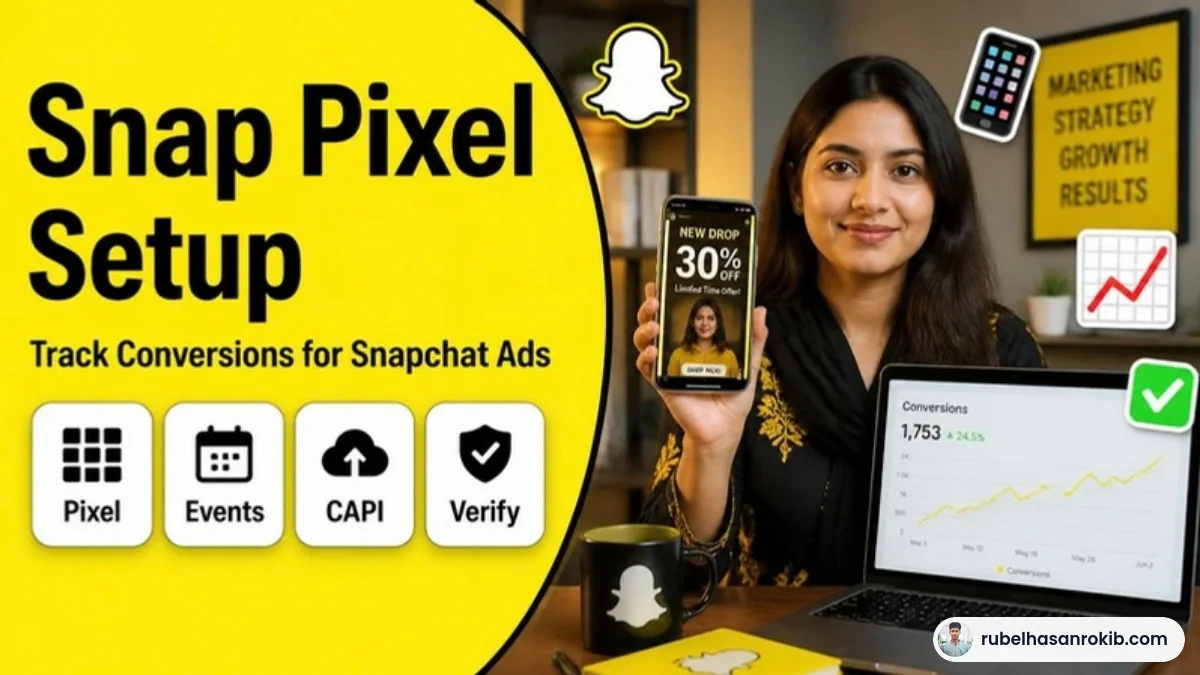
Snapchat can be one of the cheapest ways to reach young buyers, especially in Saudi Arabia, the UAE and other markets where the app is huge. But I regularly see Snapchat campaigns judged as failures when the real issue is that the Snap Pixel was never installed properly. Without it, Snapchat optimizes for swipes, not sales.
Here is how I handle Snap Pixel setup for clients: which events to track, how to install it, why the Conversions API matters, and how to test before launch.
Quick Answer
To track Snapchat Ads conversions, create a Snap Pixel in Snapchat Ads Manager, install it on every page of your website, fire standard events such as VIEW_CONTENT, ADD_CART, START_CHECKOUT and PURCHASE with value and currency, then test it with the Snap Pixel Helper or Events Manager. Adding the Snapchat Conversions API improves accuracy.
- Install the base Pixel code on every page.
- Track standard events, with PURCHASE as the main e-commerce goal.
- Send price and currency with purchases.
- Add the Snapchat Conversions API for server-side events.
- Test before launching campaigns.
Why the Snap Pixel Matters
Snapchat’s delivery system needs conversion data to find buyers. If it only sees swipe-ups, it will find people who like swiping, not people who buy. The Pixel also unlocks retargeting audiences and lets you see return on ad spend inside Ads Manager.
Events to Track
| Snap event | When to fire it |
|---|---|
| PAGE_VIEW | Every page load (base code) |
| VIEW_CONTENT | Product or service page |
| ADD_CART | Add to cart click |
| START_CHECKOUT | Checkout page |
| PURCHASE | Order confirmation page, with price and currency |
| SIGN_UP | Lead or registration form success |
Step-by-Step Snap Pixel Setup
Step 1: Create the Pixel
In Snapchat Ads Manager, open Events Manager and create a new web Pixel. Copy the Pixel ID and base code.
Step 2: Install the base code
On Shopify or WooCommerce, use the official Snapchat integration if available. On other sites, install the base code through Google Tag Manager with an All Pages trigger. Do not install it twice.
Step 3: Add standard events
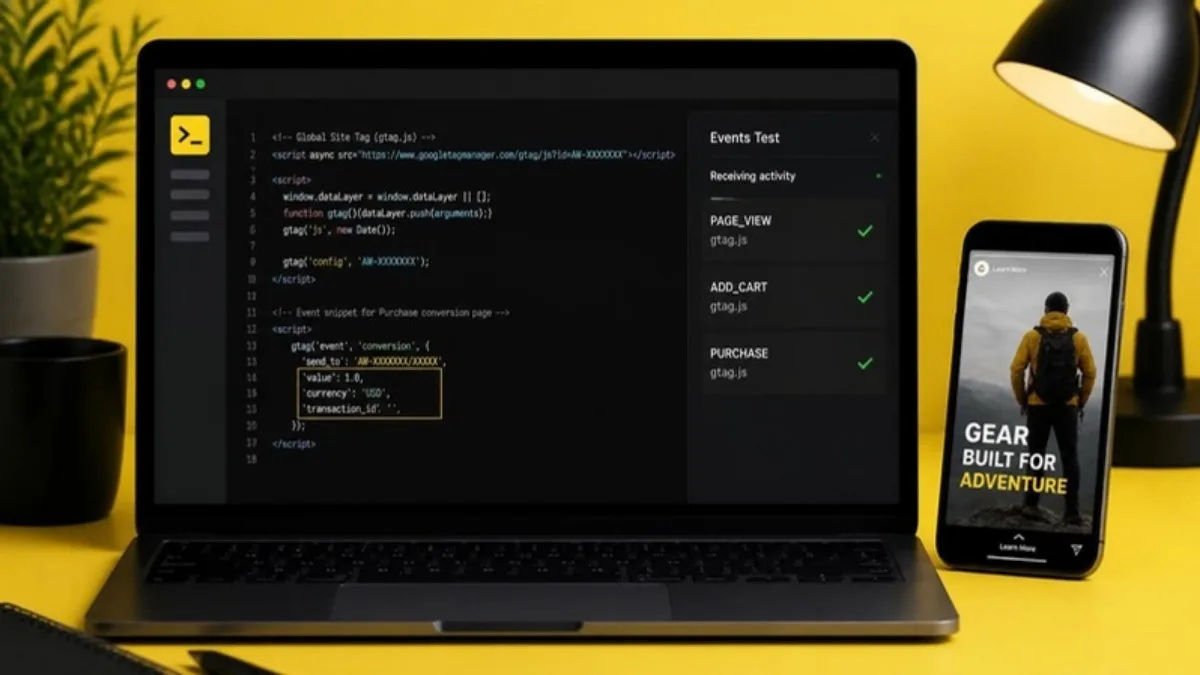
Create one tag per event in GTM, or let the platform integration fire them. For PURCHASE, pass the order value, currency and a transaction ID.
Step 4: Connect the Conversions API
Snapchat also offers a Conversions API that sends events from your server. Like Meta and TikTok, this catches conversions that browsers block. A server-side tracking container can send Snap, Meta and TikTok events from one place, with matching IDs for deduplication.
Step 5: Test
Use Snapchat’s Pixel testing tools in Events Manager, then complete a test journey on your site. Confirm each event appears once, with the right value.
Common Mistakes
- Firing PURCHASE on the checkout page instead of the thank-you page.
- Sending purchase events without price or currency.
- Running campaigns optimized for purchases before the Pixel has any purchase data.
- Installing the Pixel through two different plugins.
Snap Pixel FAQ
What is the Snap Pixel?
It is a tracking code from Snapchat that records actions on your website, such as purchases, so Snapchat Ads can measure and optimize campaigns.
Do I need the Snapchat Conversions API?
It is strongly recommended. It sends events from your server and fills gaps caused by ad blockers and browser privacy limits.
Which event should I optimize Snapchat Ads for?
Optimize for PURCHASE if you get enough daily orders. If not, start with ADD_CART or START_CHECKOUT.
Can I install the Snap Pixel with Google Tag Manager?
Yes. Add the base code with an All Pages trigger and create separate tags for each standard event.
Is Snapchat Ads good for Saudi Arabia and the UAE?
Snapchat is very popular in Gulf countries, so it can be a strong channel there when tracking is set up correctly.
Final Thoughts
Snapchat Ads only work as well as the data you give them. Install the Pixel once, track a clean set of events, add the Conversions API and test. If you also advertise on TikTok, my TikTok Pixel and Events API guide follows the same logic.
Official Resources
Need help with Snap Pixel setup?
I am Rubel Hasan Rokib, a data-driven digital marketer based in Bangladesh. Send me your website or ad account details on WhatsApp and I will reply with a clear plan.




3 Comments