


For plumbers, clinics, AC repair, real estate and many other service businesses, a phone call is the lead. Yet I regularly audit accounts that track form submissions perfectly and ignore calls completely. Google Ads then thinks the campaigns perform badly and bids down on the very keywords that make the phone ring.
This guide explains the three ways to track phone calls in Google Ads, how to set each one up, and how to stop short or accidental calls from counting as leads.
Quick Answer
Google Ads can track three kinds of calls: calls directly from your ads (call assets and call ads), calls from your website using a Google forwarding number, and clicks on a phone number on your mobile site. Set up each as a separate conversion action, choose a minimum call length so short calls are not counted, and make real qualified calls your primary goal.
- Calls from ads: tracked with call assets.
- Calls from website: tracked with a forwarding number on your site.
- Click-to-call: tracked as a website click conversion.
- Set a minimum call length, for example 60 seconds.
- Upload confirmed bookings as offline conversions when possible.
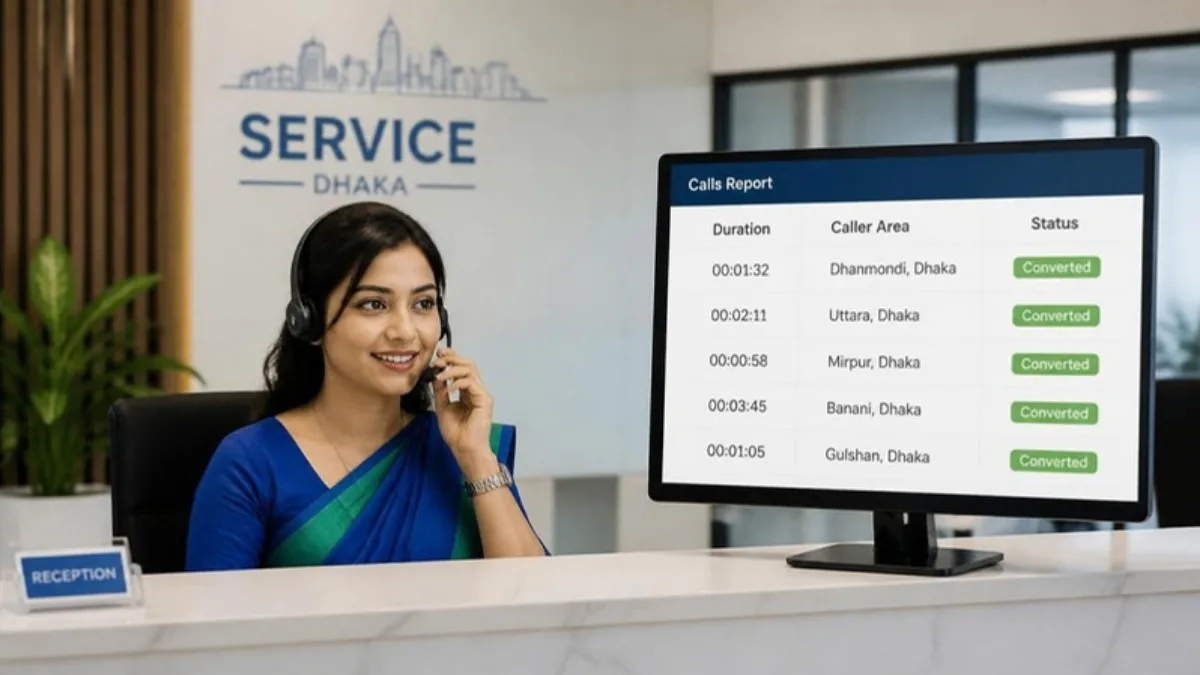
The Three Types of Call Tracking
| Type | How it works | Best for |
|---|---|---|
| Calls from ads | Call asset on your ad | Mobile searchers who call directly |
| Calls from website | Dynamic forwarding number on your site | Visitors who read first, then call |
| Clicks on number | Tag fires on tel: link click | Simple setups, where forwarding numbers are not available |
Google forwarding numbers are not available in every country, including for many Bangladeshi numbers. In that case, click-to-call tracking is the practical option, combined with offline imports of confirmed calls.
Step by Step Setup
1. Calls from ads
Add a call asset to your campaigns, then create a Phone calls conversion action for calls from ads and set the minimum call length.
2. Clicks on your phone number
In Google Tag Manager, create a Just Links trigger where Click URL starts with tel:, attach a Google Ads conversion tag, and test it. It works like the WhatsApp click tracking setup.
3. Calls from website
Where available, create a Calls from a website conversion action and install the website call tag so Google shows a forwarding number to ad visitors.
Make Call Data Useful
- Set a realistic minimum call duration so wrong numbers are ignored.
- Keep click-to-call as a secondary goal if you also track real calls.
- Record which calls became bookings and upload them later.
- Review calls by keyword to find what actually brings customers.
Google Ads Call Tracking FAQ
How do I track phone calls in Google Ads?
Use call assets for calls from ads, a forwarding number for calls from your website where available, and click-to-call tracking for taps on your phone number.
What minimum call length should I use?
Many service businesses use 60 seconds, but choose a length that reflects a real conversation in your business.
Can I track calls in Bangladesh?
Click-to-call tracking works everywhere. Forwarding-number tracking depends on country availability.
Should click-to-call be a primary conversion?
Only if you cannot track real calls. A click does not always mean a call happened.
Can I import confirmed bookings into Google Ads?
Yes, through offline conversion imports, which give Smart Bidding a much stronger signal.
Final Thoughts
If calls are your main lead source, they must be your main conversion. Track calls from ads and website, set a sensible call length and feed real bookings back to Google Ads. My Google Ads for local business service is built around exactly this.
Official Resources
Need help with Google Ads call tracking?
I am Rubel Hasan Rokib, a data-driven digital marketer based in Bangladesh. Send me your website or ad account details on WhatsApp and I will reply with a clear plan.