

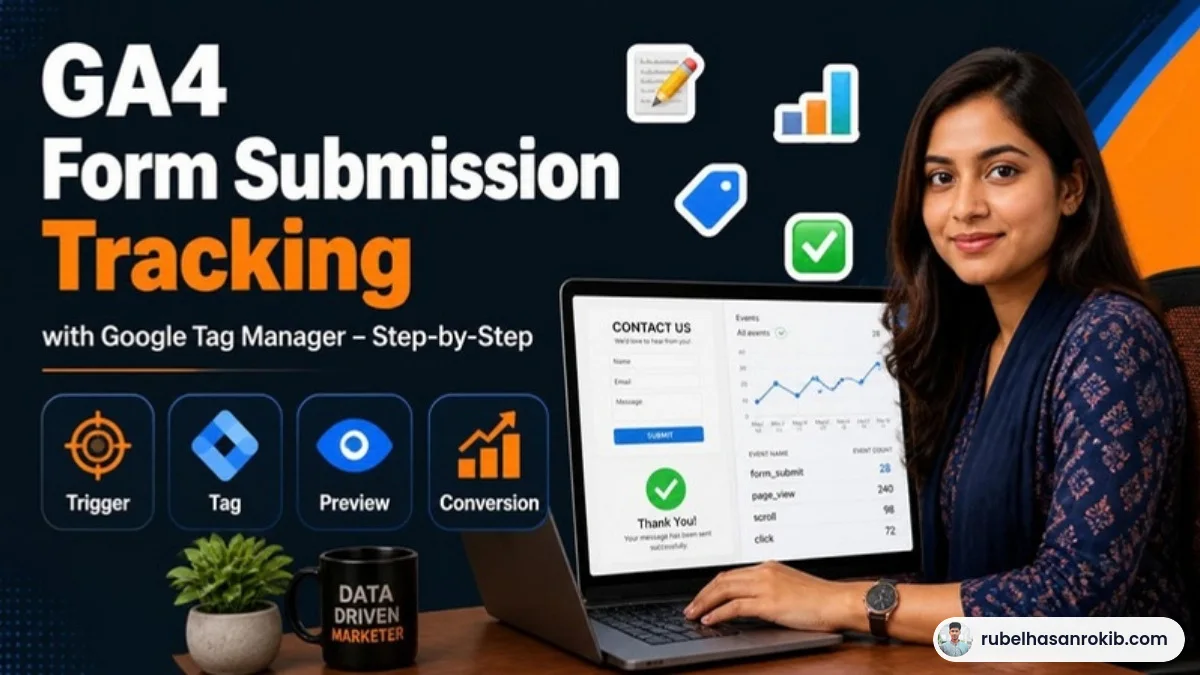
For a service business, a form submission is often the most important action on the website. Yet in many GA4 properties I audit, forms are either not tracked at all or tracked so badly that every page view of the contact page counts as a lead. That makes reports useless and ad optimization even worse.
This guide shows you how to set up reliable GA4 form submission tracking with Google Tag Manager, which method to choose for your form, and how to test it so you can trust the number.
Quick Answer
To track form submissions in GA4, create a trigger in Google Tag Manager that fires only after a successful submission, send a GA4 event such as generate_lead, then mark that event as a key event in GA4. The most reliable triggers are a thank-you page view, a success message, or a data layer event pushed by your form plugin.
- Best method: a thank-you page or a dataLayer event on success.
- Use the recommended GA4 event name generate_lead.
- Mark the event as a key event in GA4 Admin.
- Test with GTM Preview and GA4 DebugView.
- Avoid the built-in form submission trigger for AJAX forms, it often misfires.

Choose the Right Tracking Method
| Method | Best for | Reliability |
|---|---|---|
| Thank-you page view | Forms that redirect after submit | Very high |
| dataLayer push on success | Contact Form 7, WPForms, custom forms | Very high |
| Success message visibility | AJAX forms without redirect | Good |
| GTM Form Submission trigger | Simple HTML forms | Often unreliable |
If you can make your form redirect to a thank-you page, do it. It is the simplest and most reliable option, and it also makes it easy to track in Google Ads and Meta.
Method 1: Thank-You Page
- Set your form to redirect to a page like /thank-you/ after submission.
- In GTM, create a Page View trigger that fires when Page Path equals /thank-you/.
- Create a GA4 Event tag with event name generate_lead and attach the trigger.
- Exclude the thank-you page from your menu and sitemap so only real leads reach it.
Method 2: dataLayer Event (Contact Form 7 Example)
Contact Form 7 fires a browser event called wpcf7mailsent when an email is sent successfully. A small script can push this into the dataLayer, which is far more reliable than watching for clicks on the submit button. Add the listener through a code snippet plugin, then create a Custom Event trigger in GTM for the event name you push, for example cf7_submit, and fire your GA4 generate_lead tag on it.
WPForms, Gravity Forms and most modern form plugins have similar success events or built-in integrations, so check the plugin documentation before writing anything custom.
Method 3: Success Message Visibility
If you cannot change the form, use an Element Visibility trigger that fires when the success message appears, for example a CSS selector like .wpcf7-mail-sent-ok or your plugin’s success class. Set it to fire once per page.
Mark It as a Key Event and Test
- In GTM, click Preview, submit a test form and confirm your tag fires once.
- In GA4, open Admin, then DebugView, and check that generate_lead arrives.
- Go to Admin, Events, and mark generate_lead as a key event.
- Wait 24 to 48 hours and check that it appears in reports.
Once the lead event works in GA4, you can use it for ads too. I explain the Google Ads side in Google Ads conversion tracking, and the full analytics setup in my GA4 and GTM setup service.
Common Mistakes
- Firing the lead event on every visit to the contact page.
- Counting button clicks instead of successful submissions.
- Duplicate events because the tag fires on both a click and a page view.
- Never marking the event as a key event, so it never shows as a conversion.
GA4 Form Tracking FAQ
What event name should I use for form submissions in GA4?
Use the recommended event generate_lead for lead forms. It makes reports clearer and works well with Google Ads.
Why does the GTM form submission trigger not work?
Many modern forms submit with AJAX and never fire a standard submit event, so the built-in trigger misses them or fires on failed submissions.
How do I track Contact Form 7 in GA4?
Listen for the wpcf7mailsent event, push it to the dataLayer, and fire a GA4 event tag on that custom event in Google Tag Manager.
What is a key event in GA4?
A key event is an event you mark as important to your business. It replaced the older term conversion in GA4 reports.
How long until form events show in GA4 reports?
DebugView shows them instantly. Standard reports usually update within 24 to 48 hours.
Final Thoughts
Reliable form tracking is the foundation of lead generation reporting. Pick the method that matches your form, fire a single generate_lead event on success, mark it as a key event and test it once. If you are still on the old mindset of Universal Analytics, my article on GA4 vs Universal Analytics explains what changed.
Official Resources
Need help with GA4 form tracking?
I am Rubel Hasan Rokib, a data-driven digital marketer based in Bangladesh. Send me your website or ad account details on WhatsApp and I will reply with a clear plan.







One Comment