

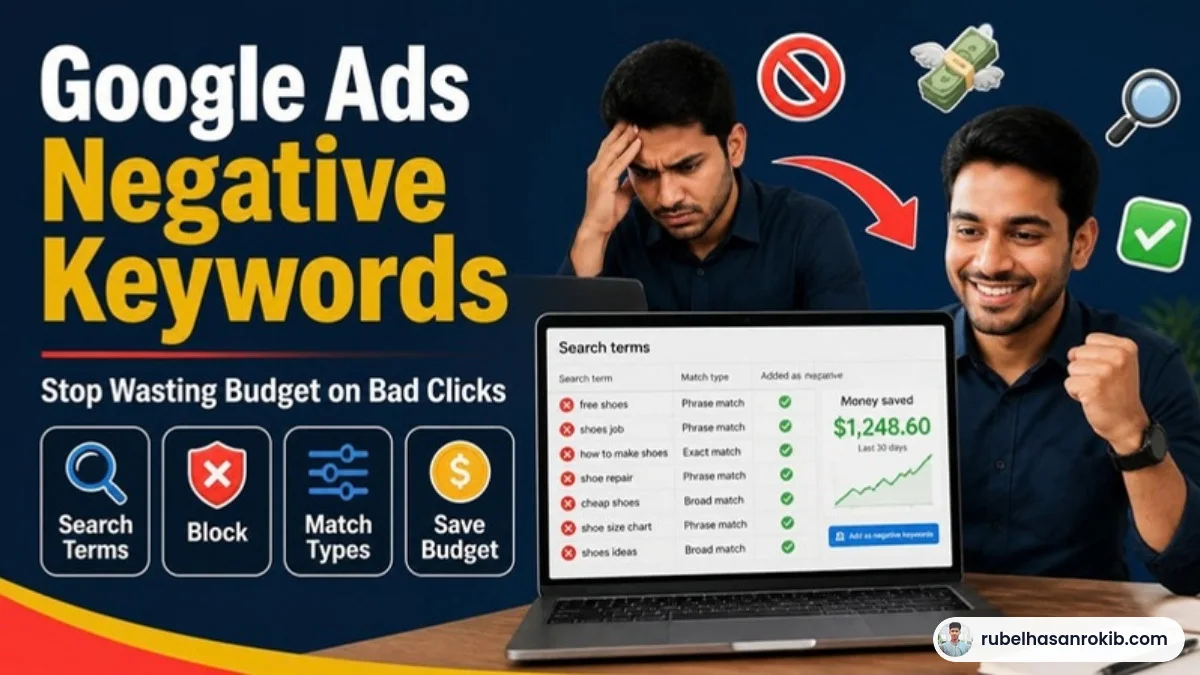
If you run Google Search ads and have never opened the Search Terms report, there is a good chance part of your budget is paying for searches that will never become customers. People looking for free versions, jobs, tutorials or a completely different service. Google Ads negative keywords are how you stop that, and they are one of the fastest wins in any account I take over.
In this guide I will show you how to find wasted searches, how negative match types really work, a starter list for service businesses, and the simple weekly routine I use to keep accounts clean.
Quick Answer
Negative keywords tell Google Ads which searches should not trigger your ads. Find them in the Search Terms report, add irrelevant terms at the campaign level or in a shared negative keyword list, and review new search terms every week. Clean negatives cut wasted clicks and usually lower cost per lead.
- Find wasted searches in the Search Terms report.
- Use shared negative lists for terms you never want, like jobs or free.
- Negative match types behave differently from normal keywords and do not include close variants.
- Review search terms weekly, especially in the first month.
- Be careful not to block searches that actually convert.
How Negative Keywords Work
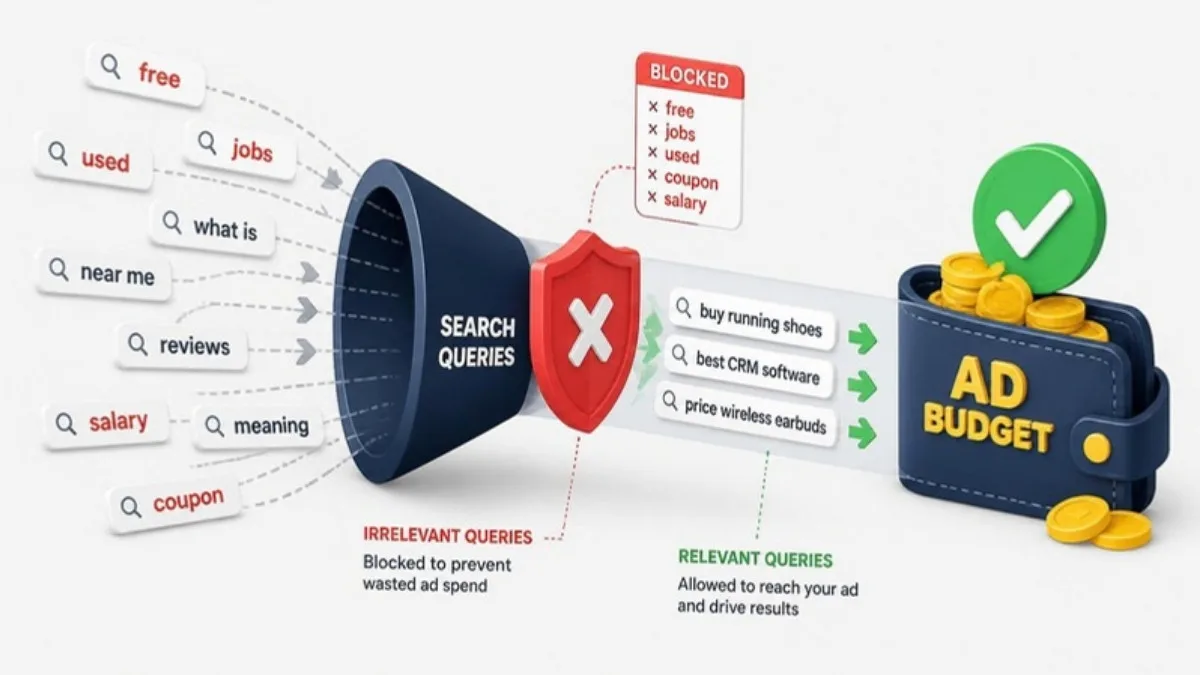
A negative keyword is a word or phrase you add so that searches containing it do not show your ad. If you sell AC repair and add “job” as a negative, someone searching for “AC repair job” will not see your ad. You save that click for a real customer.
One detail many advertisers miss: negative keywords do not automatically match close variants, misspellings or plurals the way normal keywords do. If you block “course” you may still need to add “courses” separately.
Negative Match Types Explained
| Match type | How you add it | What it blocks |
|---|---|---|
| Negative broad | free repair | Searches containing all these words in any order |
| Negative phrase | “free repair” | Searches containing this exact phrase in this order |
| Negative exact | [free repair] | Only this exact search, nothing more |
For most terms I use negative phrase match. It blocks the bad intent without being so broad that it accidentally blocks good searches.
Step by Step: Finding and Adding Negative Keywords
Step 1: Open the Search Terms report
In your campaign, go to Insights and reports, then Search terms. Set the date range to the last 30 days and sort by cost. These are the real searches people typed before clicking your ad.
Step 2: Mark the irrelevant searches
Look for searches with spend but no conversions, and for anything clearly off-topic. Common categories are jobs and careers, free or DIY, tutorials and courses, competitor brand names you do not want, and locations you do not serve.
Step 3: Add them at the right level
Terms you never want anywhere, like “jobs” or “salary”, belong in a shared negative keyword list applied to all campaigns. Terms that are wrong only for one service belong in that campaign or ad group.
Step 4: Repeat every week
New irrelevant searches appear all the time, especially with broad match keywords. A 15-minute weekly review is enough to keep most accounts clean.
Starter Negative Keyword List for Service Businesses
- Jobs: job, jobs, career, vacancy, salary, hiring
- Learning: course, training, tutorial, how to, pdf
- Free and DIY: free, diy, yourself, template
- Low intent: meaning, definition, wikipedia, review only searches if you do not want research traffic
- Wrong locations: cities or countries you do not serve
Adjust this list to your business. For example, if you sell courses, “course” is obviously a good keyword, not a negative.
Mistakes to Avoid
- Adding broad negatives that block converting searches.
- Never checking the Search Terms report after launch.
- Forgetting plurals and spelling variants.
- Blocking your own brand name by accident.
Negative keywords protect your budget, but you also need to know which clicks turn into calls and leads. Without accurate Google Ads conversion tracking, you cannot tell a bad search from a good one. My guide on enhanced conversions explains how to make that tracking more accurate.
Google Ads Negative Keywords FAQ
What are negative keywords in Google Ads?
They are words or phrases you add so that searches containing them do not trigger your ads, which prevents wasted clicks.
Where do I find negative keyword ideas?
The Search Terms report shows the real searches that triggered your ads. Irrelevant searches with spend are your best negative keyword ideas.
Do negative keywords include close variants?
No. Unlike normal keywords, negatives generally do not match close variants or plurals, so add important variations separately.
Should I use negative broad, phrase or exact match?
Negative phrase match is a safe default for most terms. Use exact for very specific searches and broad only when you are sure.
How often should I add negative keywords?
Review search terms weekly in the first month of a campaign, then at least every two weeks.
Final Thoughts
Negative keywords are simple, but most accounts ignore them. Fifteen minutes a week in the Search Terms report can save a meaningful share of your budget and lower your cost per lead. Combine that with clean tracking and your campaigns will improve steadily.
Official Resources
Need help with Google Ads negative keywords?
I am Rubel Hasan Rokib, a data-driven digital marketer based in Bangladesh. Send me your website or ad account details on WhatsApp and I will reply with a clear plan.








One Comment