

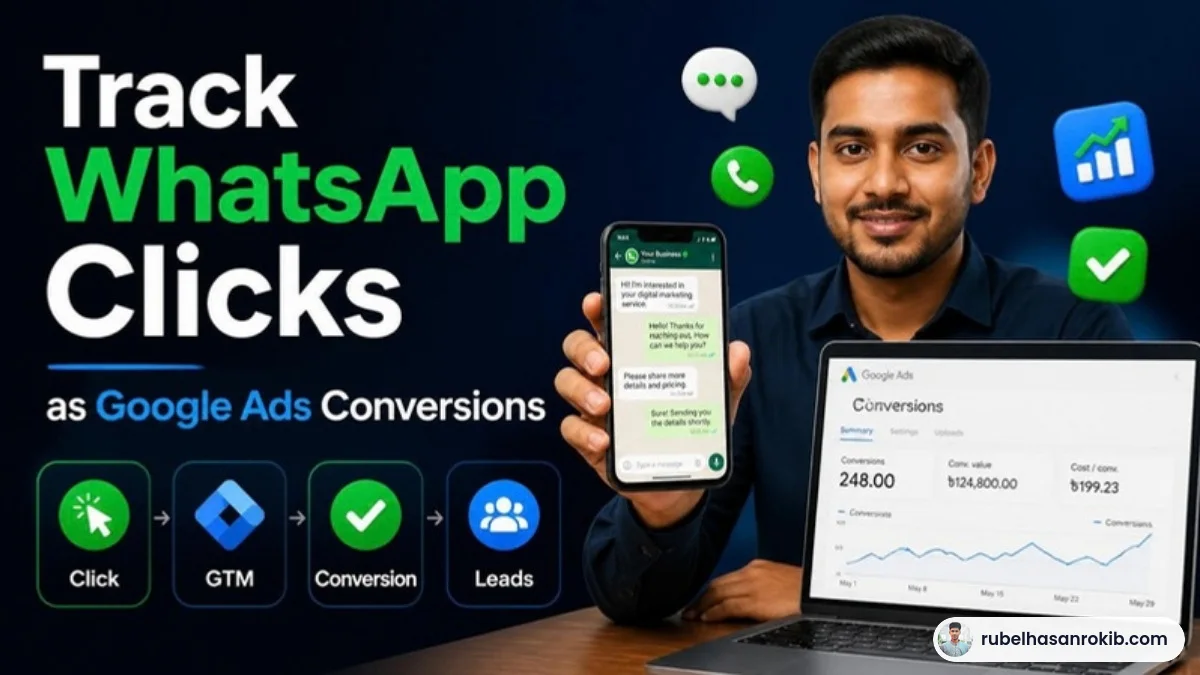
In Bangladesh and across the Gulf, many customers would rather send a WhatsApp message than fill out a form. That is great for sales, but it creates a tracking gap. If your Google Ads only count form submissions, every WhatsApp lead looks like a wasted click, and Smart Bidding learns the wrong lesson.
This guide shows you how to track WhatsApp clicks as Google Ads conversions with Google Tag Manager, how to send the same click to GA4, and how to keep the numbers honest.
Quick Answer
To track WhatsApp clicks in Google Ads, create a conversion action for the click, then use Google Tag Manager with a Just Links trigger that fires when the clicked URL contains wa.me or api.whatsapp.com. Attach a Google Ads conversion tag to that trigger, test it in GTM Preview, and optionally send the same event to GA4 as a key event.
- Create a Google Ads conversion action named something like WhatsApp Click.
- Trigger: Click URL contains wa.me or api.whatsapp.com.
- Count one conversion per click session, not every click.
- Treat it as a lead signal, not a confirmed sale.
- Test with GTM Preview and Google Tag Assistant.
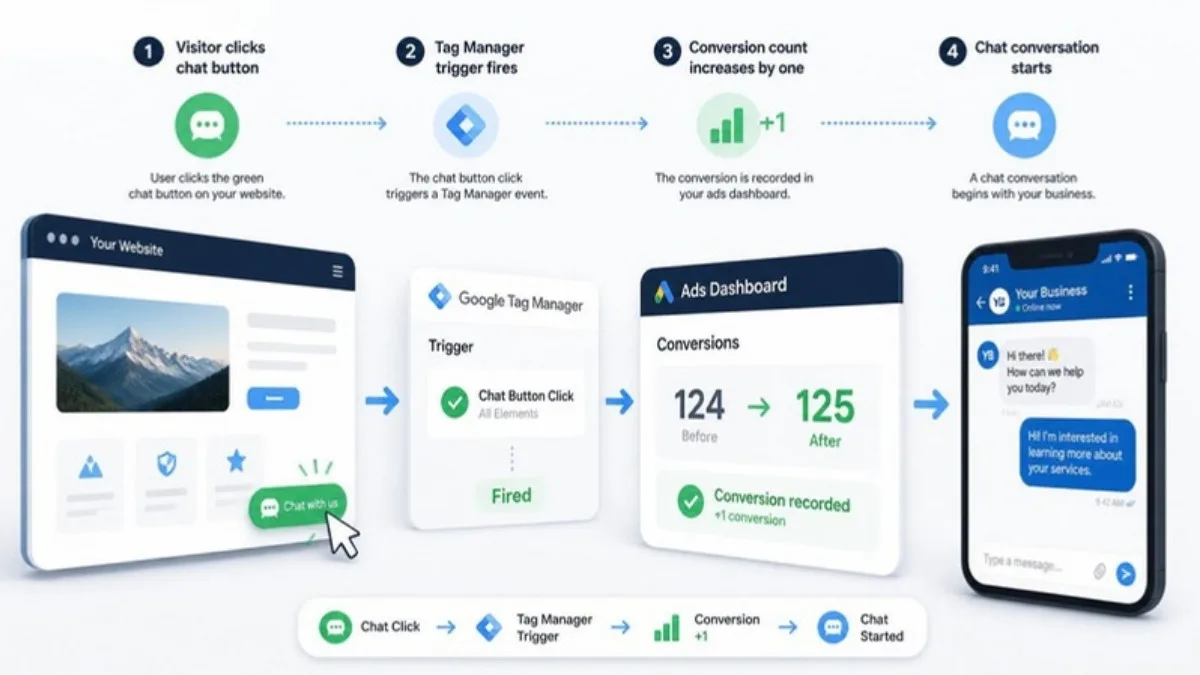
Why WhatsApp Clicks Need Tracking
Google Ads optimizes toward the conversions you report. If a large share of leads arrive by WhatsApp and you do not report them, the algorithm cannot tell your best keywords from your worst. Tracking WhatsApp clicks gives it a signal it was missing.
Step by Step Setup
Step 1: Create the conversion action
In Google Ads, go to Goals, then Conversions, and create a new website conversion action. Choose the category Contact or Lead, name it WhatsApp Click, set Count to One, and copy the conversion ID and label.
Step 2: Enable click variables in GTM
In Google Tag Manager, open Variables and enable the built-in Click URL and Click Text variables.
Step 3: Create the trigger
Create a Just Links trigger that fires on Some Link Clicks where Click URL contains wa.me. Add a second condition or a separate trigger for api.whatsapp.com if your site uses that format. Tick Wait for Tags so the tag fires before the WhatsApp app opens.
Step 4: Add the Google Ads conversion tag
Create a Google Ads Conversion Tracking tag with your conversion ID and label and attach the trigger. Make sure the Conversion Linker tag also fires on all pages.
Step 5: Send it to GA4 as well
Create a GA4 event tag, for example whatsapp_click, on the same trigger, then mark it as a key event in GA4. This helps you see which pages and channels drive WhatsApp leads.
Step 6: Test
Use GTM Preview, click your WhatsApp button and confirm both tags fire once. In Google Ads, the conversion status should change to recording within a day or two.
Keep the Data Honest
- A click is not a sale. Some people click and never send a message.
- If you can, record real WhatsApp sales and upload them later as offline conversions.
- Do not make WhatsApp Click your only primary conversion if you also track calls and forms.
- Use Count: One to avoid inflating results when a user clicks several times.
For a complete setup across calls, forms and purchases, see my Google Ads conversion tracking service and the guide on Google Ads Enhanced Conversions.
WhatsApp Click Tracking FAQ
Can Google Ads track WhatsApp messages?
Google Ads can track the click on your WhatsApp button. It cannot see whether a message was sent unless you upload that data later as an offline conversion.
Which GTM trigger should I use for WhatsApp buttons?
Use a Just Links trigger that fires when the Click URL contains wa.me or api.whatsapp.com.
Should WhatsApp clicks be a primary conversion?
They can be, especially if WhatsApp is your main lead channel, but treat them as leads and combine them with calls and forms where possible.
Why is my WhatsApp click tag not firing?
Common reasons are that the button is not a real link, the URL format is different, or the WhatsApp app opens before the tag fires. Enable Wait for Tags in the trigger.
Can I track WhatsApp clicks in GA4 too?
Yes. Fire a GA4 event on the same trigger and mark it as a key event.
Final Thoughts
If your customers prefer WhatsApp, your tracking should too. Set up a clean WhatsApp click conversion, send it to GA4, and treat it as a lead signal. Your Google Ads will finally be able to learn which keywords bring real conversations. For broader analytics, see my GA4 form submission tracking guide.
Official Resources
Need help with WhatsApp click tracking?
I am Rubel Hasan Rokib, a data-driven digital marketer based in Bangladesh. Send me your website or ad account details on WhatsApp and I will reply with a clear plan.




2 Comments