
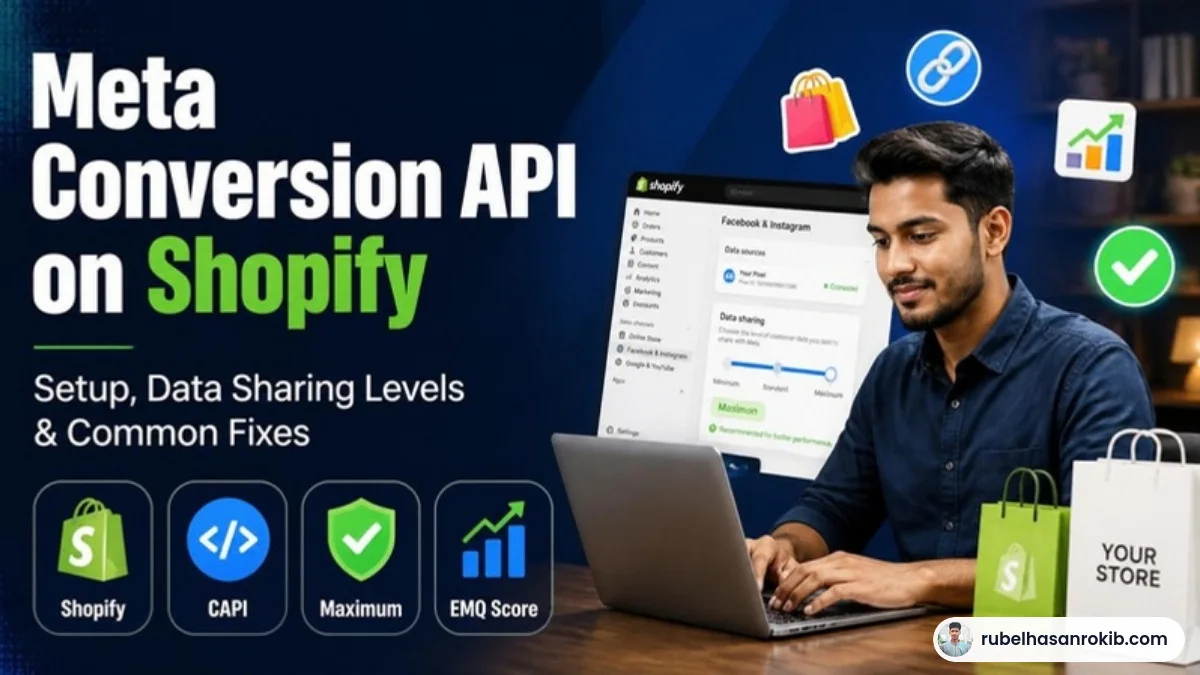
Shopify makes Meta tracking easier than most platforms, because the official Facebook and Instagram sales channel can send both Pixel and Conversion API events for you. But “easy” does not mean “correct by default”. I still find Shopify stores with old Pixel code in the theme, a second app sending events, and data sharing set to the lowest level.
Here is how to set up Meta Conversion API on Shopify properly and how to check it is working.
Quick Answer
On Shopify, the simplest way to use Meta Conversion API is through the official Facebook and Instagram sales channel app. Connect your Business Manager, ad account and Pixel, then set data sharing to the Maximum level so both browser and server events are sent with deduplication. Remove any old Pixel code from the theme and other apps to avoid duplicates.
- Use the official Facebook and Instagram Shopify app.
- Set data sharing to Maximum for Pixel plus CAPI.
- Remove old Pixel code from theme files and other apps.
- Check deduplication in Events Manager.
- Compare Meta purchases with Shopify orders.
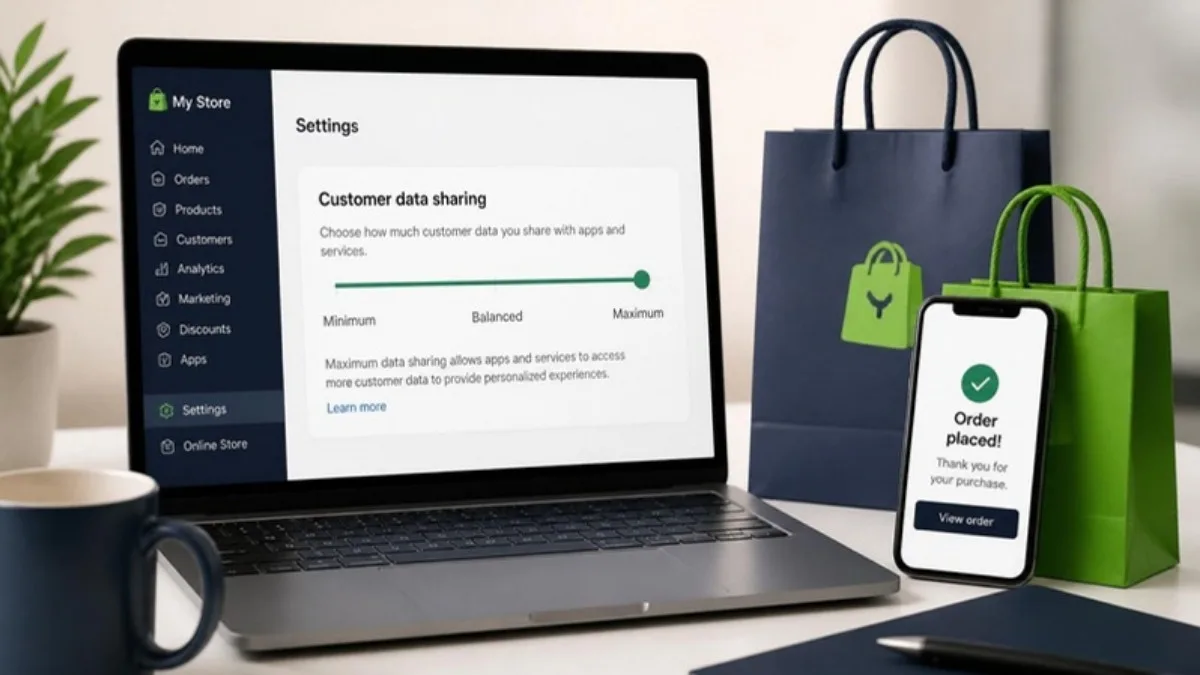
Shopify Data Sharing Levels
| Level | What it sends | Recommendation |
|---|---|---|
| Standard | Browser Pixel only | Not enough today |
| Enhanced | Pixel plus advanced matching | Better |
| Maximum | Pixel plus Conversion API from the server | Recommended |
Step by Step Setup
- In Shopify, add the Facebook and Instagram sales channel.
- Connect your Meta Business account, ad account, Facebook page and Pixel (dataset).
- Open the data sharing settings and choose Maximum.
- Search your theme and installed apps for old Pixel code and remove it.
- Place a test order and check Events Manager for both browser and server Purchase events.
Common Problems and Fixes
- Doubled purchases: old Pixel code or a second tracking app. Remove extras. See my deduplication guide.
- Low Event Match Quality: customer email or phone not collected at checkout. Improve checkout fields, and read how to improve Event Match Quality.
- Missing purchases: payment methods that skip the thank-you page.
- Wrong currency: store currency changed after setup.
When to Go Beyond the Default
If you run Meta, TikTok and Google together, or need full control of which data is sent, a server-side GTM setup gives you one place to manage all events.
Shopify Meta CAPI FAQ
Does Shopify support Meta Conversion API?
Yes. The official Facebook and Instagram sales channel can send Conversion API events when data sharing is set to Maximum.
Which Shopify data sharing level should I choose?
Maximum, because it sends both browser and server events.
Why are my Shopify purchases doubled in Meta?
Usually because old Pixel code or another app is also sending purchase events.
Do I need server-side GTM for Shopify?
Not always. The native integration is enough for many stores, but server-side GTM gives more control across platforms.
How do I test Shopify CAPI?
Place a test order and check Events Manager for Purchase events from both browser and server with deduplication.
Final Thoughts
Shopify’s native Meta integration is good when it is configured correctly. Choose Maximum data sharing, remove old code and verify in Events Manager. Then focus on creatives and structure.
Official Resources
Need help with Meta Conversion API on Shopify?
I am Rubel Hasan Rokib, a data-driven digital marketer based in Bangladesh. Send me your website or ad account details on WhatsApp and I will reply with a clear plan.