
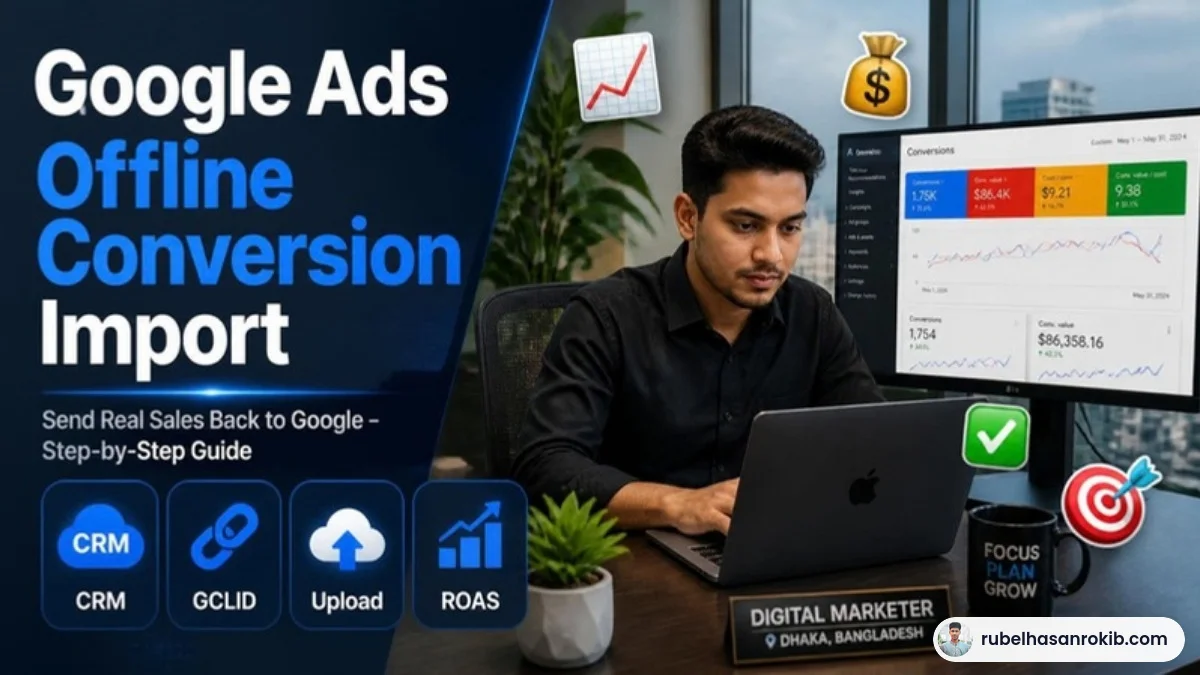
A form fill or a phone call is not a sale. Some leads buy, many do not. When Google Ads only sees leads, it optimizes for more leads, including poor ones. Offline conversion import fixes that by sending the real outcome, the sale, back to Google.
This guide explains Google Ads offline conversion import step by step, including a simple version that works with a spreadsheet.
Quick Answer
Offline conversion import lets you upload sales or qualified leads that happen outside your website, such as on the phone, in WhatsApp or in a showroom, back to Google Ads. You capture the Google click ID (GCLID) or customer details when the lead arrives, record what happened later, then upload the results by file, Google Sheets or a CRM integration so Smart Bidding learns from real revenue.
- Capture the GCLID with every lead.
- Record the outcome: sale, value and date.
- Upload via file, Google Sheets or CRM.
- Use hashed email or phone for better matching where supported.
- Upload regularly, ideally daily or weekly.

How It Works
When someone clicks your ad, Google adds a click ID to the landing page URL. If you store it with the lead, you can later tell Google: “this click became a 25,000 taka sale”. Google then links that sale to the keyword and ad.
Step by Step
- Make sure auto-tagging is on in Google Ads.
- Add a hidden field to your forms that stores the GCLID from the URL.
- Save the GCLID with each lead in your CRM or Google Sheet.
- In Google Ads, create a conversion action of the type Import.
- When a lead becomes a sale, record the GCLID, conversion name, time and value.
- Upload the data by file or a scheduled Google Sheet.
| Column | Example |
|---|---|
| Google Click ID | Cj0KCQ… |
| Conversion Name | Offline Sale |
| Conversion Time | 2026-11-03 14:30:00+06:00 |
| Conversion Value | 25000 |
| Currency | BDT |
WhatsApp and Phone Leads
For WhatsApp or calls, capture the GCLID on the page and pass it into the WhatsApp message or CRM where possible. Even uploading a portion of real sales helps Google learn. See my WhatsApp click tracking and call tracking guides.
Tips
- Upload within the allowed time window after the click.
- Use consistent time zones.
- Start with a simple sheet before building a full CRM integration.
- Combine with Enhanced Conversions for better matching.
Offline Conversion Import FAQ
What is offline conversion import in Google Ads?
It is a way to upload sales or qualified leads that happen outside your website back to Google Ads so it can optimize for real outcomes.
What is a GCLID?
The Google Click ID is a unique value added to your landing page URL when someone clicks an ad. It links later sales back to that click.
Can I upload offline conversions from Google Sheets?
Yes. Google Ads supports scheduled uploads from Google Sheets.
Do I need a CRM?
No. A well-kept spreadsheet works for many small businesses.
How often should I upload offline conversions?
Daily or weekly is ideal so Smart Bidding gets fresh data.
Final Thoughts on Google Ads Offline Conversion Import
If you need help with Google Ads Offline Conversion Import, message me on WhatsApp and I will point you in the right direction.
Offline conversion import is one of the most powerful and least used features in Google Ads. Capture the click ID, record real sales and upload them regularly. Your campaigns will start optimizing for revenue instead of form fills.
Official Resources
Need help with offline conversion import?
I am Rubel Hasan Rokib, a data-driven digital marketer based in Bangladesh. Send me your website or ad account details on WhatsApp and I will reply with a clear plan.