
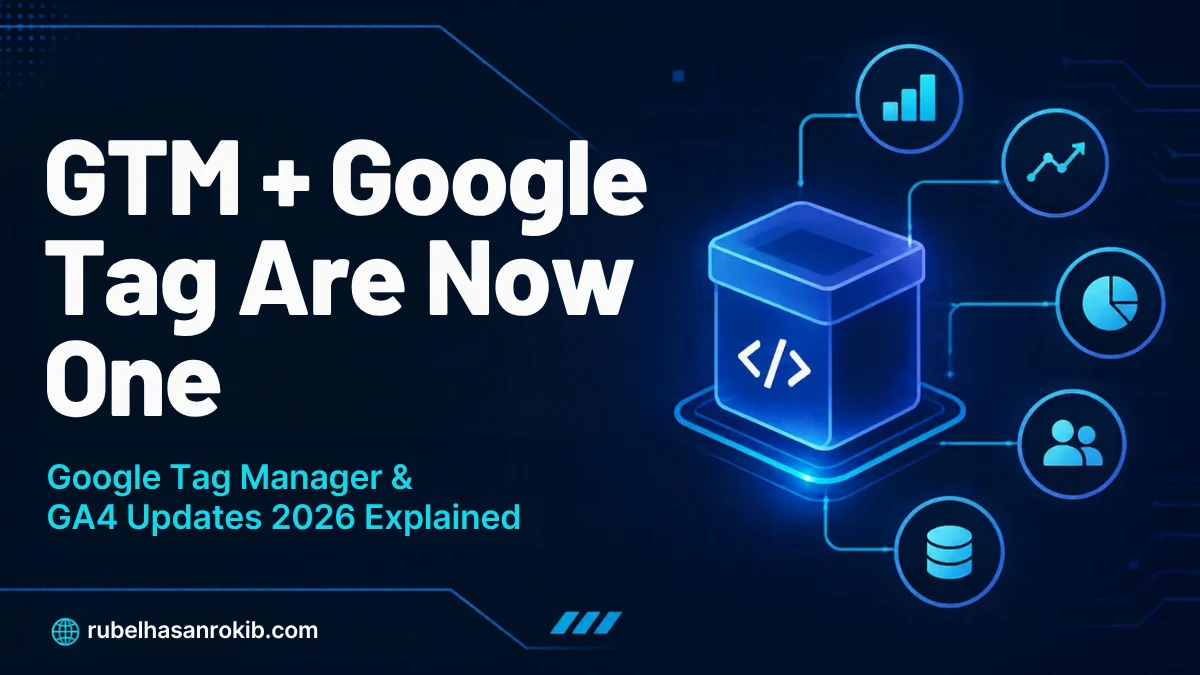
For years, Google Tag and Google Tag Manager confused everyone: similar names, overlapping jobs. In 2026 Google finally fixed it. Announced on May 20 and rolling out since August 20, the two are being unified into one system.
I set up GA4, GTM and server-side tracking for clients every week, so here is a plain explanation of the Google Tag Manager update 2026, plus the GA4 features that arrived this year.
Quick Answer
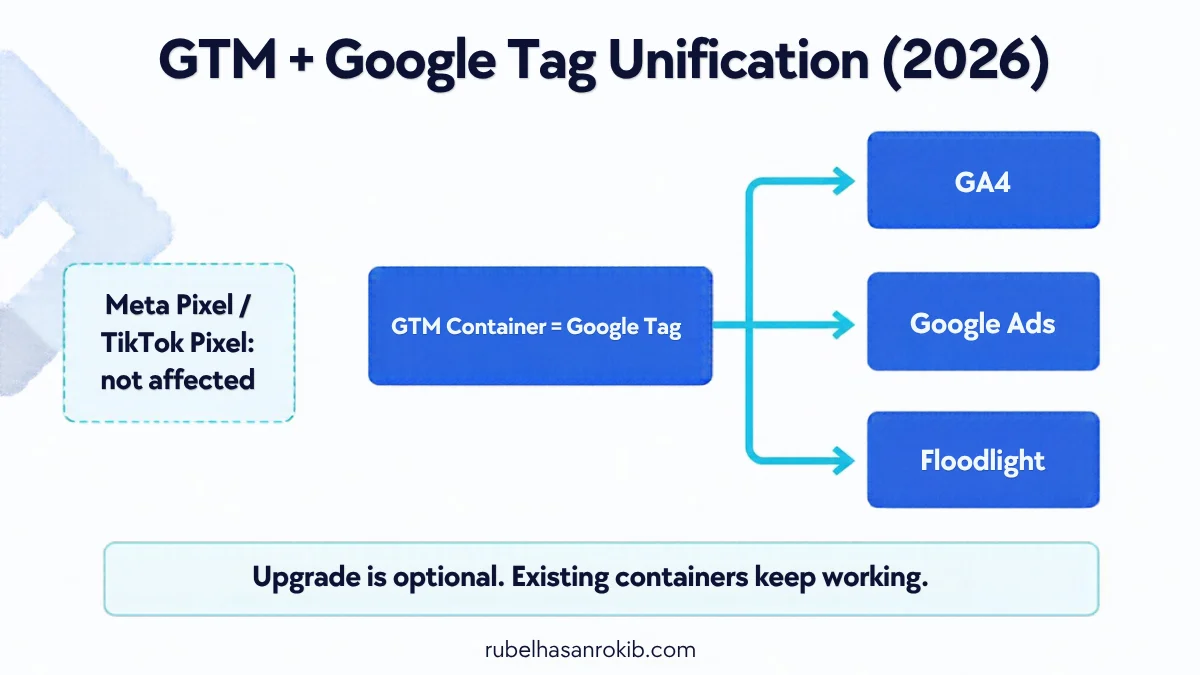
In 2026 Google is unifying Google Tag and Google Tag Manager:
- A GTM container now effectively is a Google tag.
- GA4, Google Ads and Floodlight become Destinations inside the container.
- One container script can send data to Google products, which can improve page speed.
- The upgrade is optional. Existing containers keep working.
- Non-Google tags like the Meta Pixel are not affected.
What Exactly Changed
Before, many sites loaded GTM and then GTM loaded separate Google tags for GA4 and Google Ads. That meant several scripts doing similar work. Now the GTM container itself works as the Google tag, and each Google product is a Destination managed from one place.
Google also redesigned the GTM Overview page, and sites that only use a Google tag now get Tag Manager features like version control and debugging.
Do You Need to Upgrade?
No, not immediately. Google says the upgrade is optional and current containers continue to run as before. Each Google destination still has its own tag behavior on the page.
When upgrading makes sense
- You run GA4 and Google Ads on the same site and want fewer scripts.
- You are building a new tracking setup from scratch.
- Your team struggles to manage separate Google tag settings.
How to Upgrade Safely
- Export your current container as a backup (Admin, Export Container).
- Create a new workspace and test the unified Google tag there first.
- Open Preview mode and confirm GA4 events and Google Ads conversions still fire once.
- Compare GA4 real-time reports and Google Ads conversion diagnostics for 2 to 3 days.
- Publish only after numbers match your previous setup.
If you are still deciding between browser and server tags, read my server-side vs client-side tracking guide first.
GA4 Changes in 2026
| Feature | Why it matters |
|---|---|
| Cross-channel budgeting (beta) | GA4 moves toward planning and forecasting, not just reporting. |
| Per-conversion attribution settings | Different key events can use different attribution rules. |
| Conversion attribution analysis report | See how channels contribute to each conversion. |
| Generated Insights (February 2026) | Automatic written summaries of changes in your data. |
All of these depend on complete conversion data. For EEA visitors, consent signals are required to use GA4 data in linked ad products.
Practical Tips I Use on Client Sites
- Use the Initialization – All Pages trigger for the Google tag so early events are not missed.
- Keep one source per event: do not install GA4 by plugin and by GTM at the same time.
- Test form and purchase events after every theme or plugin update.
- For WordPress, GTM Kit or a clean header snippet are both fine. Pick one.
Need form tracking? Follow my GA4 form submission tracking with GTM guide.
Google Tag Manager Update 2026 FAQ
Is Google Tag Manager being replaced?
No. GTM and the Google tag are being unified. The GTM interface becomes the control center for the Google tag and its destinations.
Will my existing GTM container stop working?
No. Google says the upgrade is optional and existing containers keep running as they do today.
Does the update affect the Meta Pixel or TikTok Pixel?
No. Destinations are Google products only. Third-party tags in GTM keep working the same way.
What is a destination in GTM?
A destination is a Google measurement product, such as a GA4 property or Google Ads account, that receives data from the unified Google tag.
Does this replace server-side tracking?
No. Server-side GTM is still the way to get first-party data collection and better match rates for Meta, TikTok and Google.
Final Thoughts
The 2026 GTM update makes Google tracking simpler and faster, but it is not urgent. Test it in a separate workspace, compare numbers and then publish.
If you want a clean GA4 and GTM setup, see my GA4 and GTM setup service or the server-side tracking service.
Official Resources
Need GA4 and GTM set up correctly?
I am Rubel Hasan Rokib, a data-driven digital marketer based in Bangladesh. Send me your website or ad account details on WhatsApp and I will reply with a clear plan.