

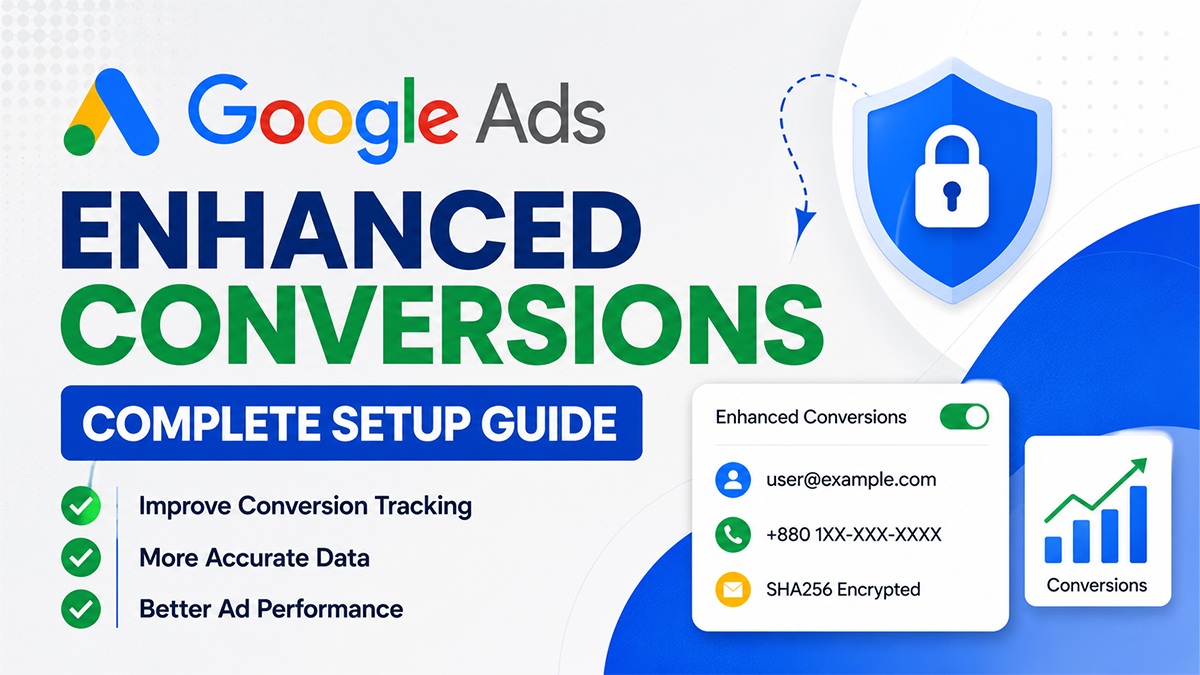
Google Ads Enhanced Conversions is a privacy-conscious feature that improves the accuracy of conversion measurement by securely using first-party customer data, such as email addresses or phone numbers (after hashing), to better match conversions with ad interactions.
Unlike traditional cookie-based tracking, Enhanced Conversions helps recover conversions that might otherwise be lost due to browser restrictions, consent limitations, or cross-device user journeys.
If you invest in Google Ads, enabling Enhanced Conversions can provide more complete conversion reporting and help Google’s bidding strategies optimize more effectively.
In This Guide
- Why Traditional Conversion Tracking Is No Longer Enough
- Benefits of Google Ads Enhanced Conversions
- How Google Ads Enhanced Conversions Work
- Requirements Before Setup
- How to Set Up Google Ads Enhanced Conversions Using GTM
- Best Practices
- Common Mistakes
- Enhanced Conversions vs Standard Conversion Tracking
- Final Thoughts
- Frequently Asked Questions (FAQ)
Why Traditional Conversion Tracking Is No Longer Enough

Digital privacy has changed significantly in recent years.
Challenges include:
- Third-party cookie restrictions
- Safari Intelligent Tracking Prevention (ITP)
- Browser privacy protections
- Cross-device customer journeys
- Consent requirements
- Ad blockers
These factors can reduce the accuracy of standard conversion tracking.
Enhanced Conversions helps address some of these gaps by using securely hashed first-party data collected during conversions.
Benefits of Google Ads Enhanced Conversions
Implementing Enhanced Conversions can help you:
- Improve conversion measurement accuracy
- Recover missed conversions
- Strengthen Smart Bidding signals
- Better understand campaign performance
- Improve ROAS analysis
- Support cross-device attribution
- Use privacy-conscious first-party data
How Google Ads Enhanced Conversions Work
The process is straightforward:
- A user clicks your Google Ad.
- The user visits your website.
- The user completes a conversion (purchase, lead form, booking, etc.).
- Your website securely hashes first-party customer data.
- The hashed data is sent to Google Ads.
- Google attempts to match it with signed-in Google users.
- If a match is found, the conversion can be measured more accurately.
No plain-text personal information is used for matching.
Requirements Before Setup
Before enabling Enhanced Conversions, make sure you have:
- Google Ads Account
- Google Tag Manager
- Google Analytics 4 (Recommended)
- Conversion Tracking
- Website Access
- Consent Banner (if required)
- First-party customer data collection
How to Set Up Google Ads Enhanced Conversions Using GTM
Step 1: Configure Google Ads Conversion Tracking
First, install your Google Ads Conversion Tracking tag.
Verify that standard conversions are already being recorded.
Step 2: Enable Enhanced Conversions
Inside Google Ads:
Tools → Conversions → Select Your Conversion Action → Enhanced Conversions → Turn On
Step 3: Configure Google Tag Manager
Inside GTM:
- Open your Google Ads Conversion Tracking Tag
- Enable Enhanced Conversions
- Choose Automatic Detection or Manual Configuration
Automatic detection works for many websites, while manual mapping gives you more control.
Step 4: Map Customer Data
You can provide fields such as:
- Email Address
- Phone Number
- First Name
- Last Name
- Street Address
- City
- Postal Code
- Country
These values are securely hashed before being sent.
Step 5: Publish Your GTM Container
After testing, publish your updated GTM container.
Step 6: Verify the Setup
Use:
- Google Tag Assistant
- Google Ads Diagnostics
- GTM Preview Mode
- Google Ads Conversion Status
to confirm Enhanced Conversions are working correctly.
Best Practices
To maximize the effectiveness of Enhanced Conversions:
- Use Google Tag Manager for easier implementation.
- Collect customer information transparently and with appropriate consent.
- Ensure conversion tags fire correctly.
- Regularly test your setup using GTM Preview Mode.
- Keep Google Ads and GA4 linked for richer reporting.
Common Mistakes
Avoid these common issues:
- Standard conversion tracking not working before enabling Enhanced Conversions
- Incorrect GTM triggers
- Missing customer data
- Poor data quality
- Not testing after implementation
- Ignoring consent requirements
Enhanced Conversions vs Standard Conversion Tracking
| Standard Conversion Tracking | Enhanced Conversions |
|---|---|
| Cookie-based | Uses securely hashed first-party data alongside standard tracking |
| More affected by browser restrictions | More resilient to privacy changes |
| Limited cross-device measurement | Improved cross-device matching |
| Basic conversion reporting | More complete conversion measurement |
Final Thoughts
As browser privacy continues to evolve, relying only on traditional conversion tracking can leave gaps in your reporting. Google Ads Enhanced Conversions helps improve measurement by securely using first-party customer data, giving advertisers a more complete picture of campaign performance.
If you’re serious about maximizing Google Ads results, implementing Enhanced Conversions through Google Tag Manager is one of the most valuable upgrades you can make to your measurement strategy.
Frequently Asked Questions (FAQ)
1. What is Google Ads Enhanced Conversions?
Google Ads Enhanced Conversions is a privacy-safe measurement feature that uses securely hashed first-party customer data, such as email addresses or phone numbers, to improve conversion tracking accuracy. It helps recover conversions that may be missed due to browser privacy restrictions or cross-device user journeys.
2. Is Google Ads Enhanced Conversions free?
Yes. Google Ads Enhanced Conversions is completely free to use. If you already have Google Ads Conversion Tracking set up, you can enable Enhanced Conversions without paying any additional fees.
3. Does Enhanced Conversions improve Google Ads performance?
Enhanced Conversions does not directly improve your ads. Instead, it provides Google Ads with more accurate conversion data, allowing Smart Bidding strategies to optimize campaigns more effectively and improve overall advertising performance.
4. What customer data is used for Enhanced Conversions?
Google Ads Enhanced Conversions can use securely hashed first-party customer information, including:
- Email Address
- Phone Number
- First Name
- Last Name
- Street Address
- City
- Postal Code
- Country
The data is hashed before it is sent to Google to help protect user privacy.
5. Do I need Google Tag Manager for Enhanced Conversions?
No. Google Tag Manager is not required because Enhanced Conversions can also be implemented using the Google Tag (gtag.js). However, GTM is the recommended option since it makes setup, testing, and maintenance much easier.
6. Can I use Google Ads Enhanced Conversions with GA4?
Yes. Google Analytics 4 and Google Ads Enhanced Conversions work together very well. GA4 provides detailed website analytics, while Enhanced Conversions improves conversion measurement for Google Ads campaigns.
7. Does Enhanced Conversions replace Google Ads Conversion Tracking?
No. Enhanced Conversions does not replace standard Google Ads Conversion Tracking. Instead, it works alongside your existing conversion tracking to improve measurement accuracy using securely hashed first-party customer data.
8. Is Google Ads Enhanced Conversions GDPR and privacy compliant?
Google designed Enhanced Conversions with privacy in mind. Customer information is hashed using secure algorithms before being transmitted. However, advertisers are still responsible for obtaining user consent and complying with local privacy regulations such as GDPR or other applicable laws.
9. How do I verify if Enhanced Conversions are working?
You can verify your setup using:
- Google Tag Assistant
- GTM Preview Mode
- Google Ads Diagnostics
- Conversion Status in Google Ads
These tools help confirm that Enhanced Conversions are firing correctly and customer data is being detected.
10. What is the difference between Google Ads Enhanced Conversions and Conversion API?
Google Ads Enhanced Conversions improves browser-based conversion tracking by sending securely hashed first-party customer data to Google Ads. Conversion API, on the other hand, sends conversion events directly from your server. Many businesses use both solutions together for the most accurate conversion measurement.
Official Resources
Need help with Google Ads Enhanced Conversions?
I am Rubel Hasan Rokib, a data-driven digital marketer based in Bangladesh. Send me your website or ad account details on WhatsApp and I will reply with a clear plan.






2 Comments